Getting Started
Quick Start
Get Karpa running on your machine in minutes.
The fastest way to try Karpa: install the desktop app, connect a provider, and translate your first sentence.
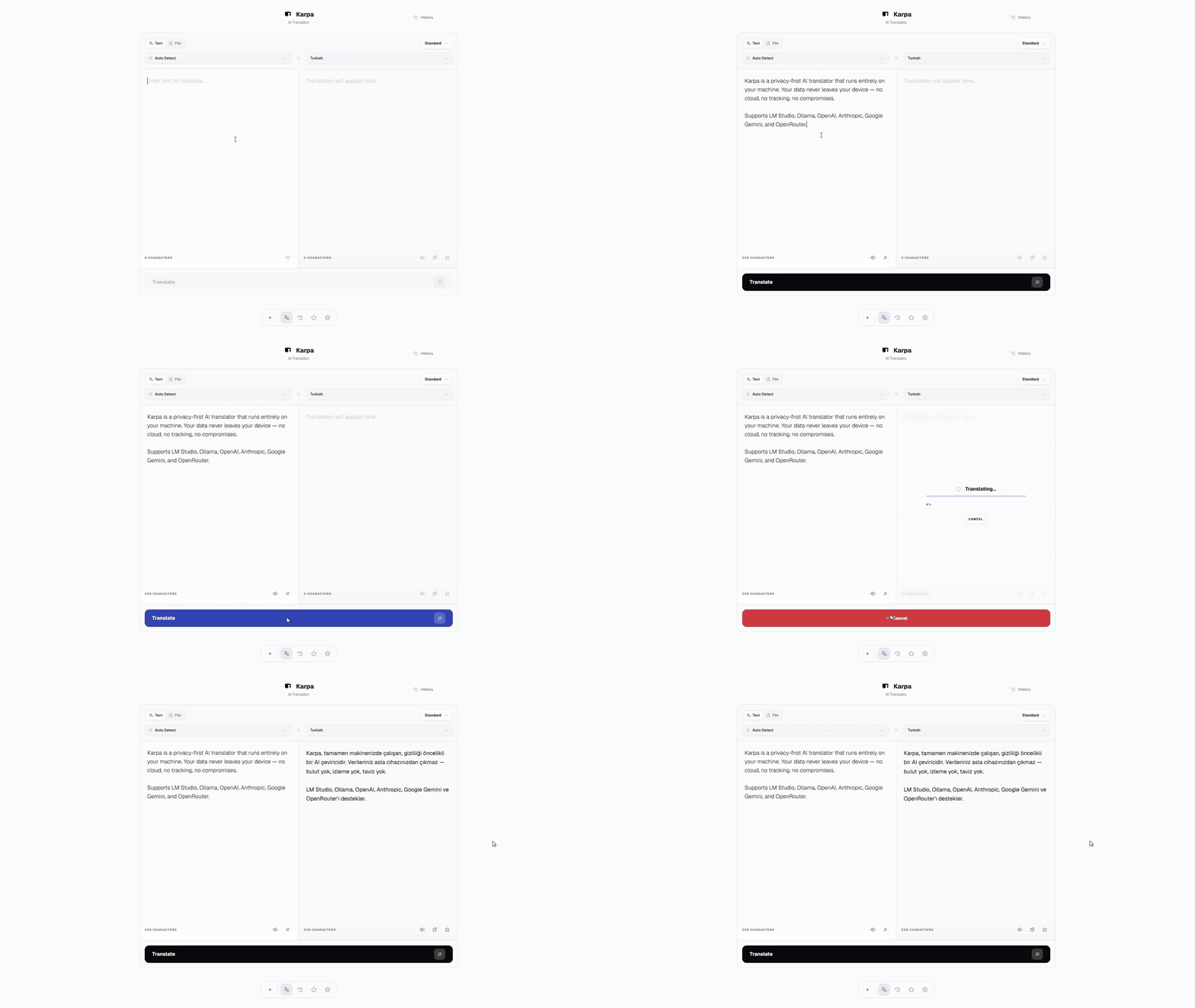
1. Install Karpa
Download the installer for your platform from Releases:
| Platform | Package |
|---|---|
| Windows | .exe (NSIS installer) or .msi |
| macOS | .dmg (Intel and Apple Silicon) |
| Linux | .deb, .AppImage, or .rpm |
Prefer Docker or a dev setup? See all options in Installation.
2. Pick a provider
Karpa needs an AI backend to translate. Choose one:
- LM Studio (local, recommended for privacy): install from lmstudio.ai, download a model, and start the local server on port 1234. Full walkthrough: Setting up Providers.
- Ollama (local): install from ollama.com and pull a
model, e.g.
ollama pull llama3.2. - OpenAI / Anthropic / Google Gemini / OpenRouter (cloud): create an account and grab an API key.
3. Connect and translate
- Launch Karpa. The onboarding wizard walks you through interface language, provider connection, and your language pair.
- Open Settings → Connection if you need to change anything later.
- Click Test Connection to verify.
- Type some text and press
Ctrl+Enter.
That's it. Head to Text Translation or File Translation to learn the workflows.
Connection refused?
Make sure your local server (LM Studio or Ollama) is actually running before testing the connection. More fixes live in Troubleshooting.
Introduction
What Karpa is, and why it exists.
Installation
Five ways to run Karpa: desktop installers, dev setup, Docker Compose, Docker pull, and custom build.
Made by Eren Çakar